Team Collaboration
Continuous improvement is a team sport. Continuously brings your whole team into one shared workspace — invite members, assign roles, and give everyone the right level of access so the people closest to the work can act on it.
30-day free trial · No credit card required
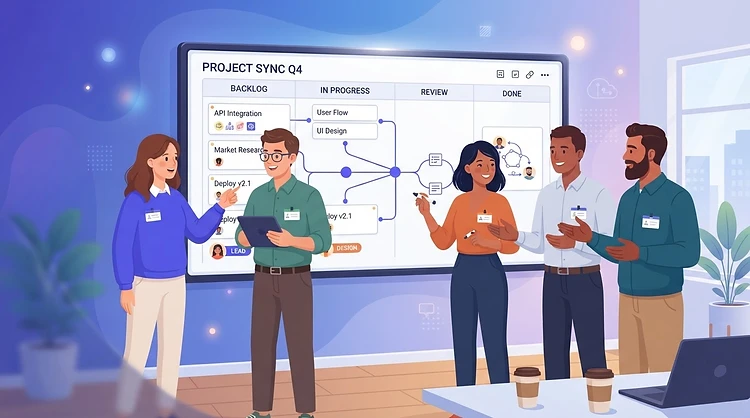
Why it works
Invite your team
Bring everyone into a shared tenant with a simple email invite and the right role.
Roles & permissions
Admins manage the team; users focus on the work — with granular permissions per module.
One shared view
Everyone works from the same boards and reviews, so alignment is built in.
How it works
- 1
Invite a member
Send an invite by email and choose whether they join as an admin or a user.
- 2
Set permissions
Grant module-level permissions so each person can edit what they should.
- 3
Assign work
Hand tasks and reviews to the right people directly from the boards.
- 4
Archive when needed
Offboard team members cleanly by archiving them without losing their history.
Frequently asked questions
Ready to put Team Collaboration to work?
Join your team on Continuously and start tracking today.
Start free trialNext feature
CI Options Generator