Task Management
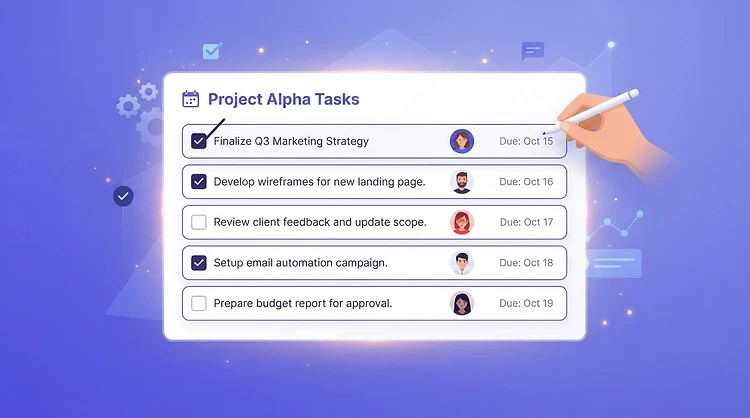
Ideas are only useful when they become action. Continuously lets you launch tasks straight from any review, assign them to the right person, set a due date, and track them to completion — so countermeasures don't die in a spreadsheet.
30-day free trial · No credit card required
Why it works
One click from any review
Launch a task directly from a CCC entry, a CI idea, or a 'more of / less of' change — no copy-paste.
Clear ownership
Every task has an assignee and a due date, so it's always obvious who's responsible.
Track to completion
Mark tasks open, in progress, or done and see the full picture of what's moving.
How it works
- 1
Launch a task
From any review or idea, create a task with a title, assignee, and due date.
- 2
Assign and date
Pick the responsible person and set when it needs to be done.
- 3
Track progress
Update the status as work moves forward so the team stays aligned.
- 4
Close it out
Mark the task done and link it back to the review it came from.
Turn a review into a closed loop
After a CCC review, a supervisor launched three countermeasure tasks in under a minute, each assigned to a different technician with due dates that week. By Friday all three were done — something that previously would have sat in meeting minutes for weeks.
Frequently asked questions
Ready to put Task Management to work?
Join your team on Continuously and start tracking today.
Start free trialNext feature
Team Collaboration